Mobile version
Falling Pickaxe Download: App, APK and Playing on Your Phone
There is no standalone Falling Pickaxe app from Pixmove — the game runs in the browser and is built for phones: vertical screen, big buttons, short rounds. Here is how to launch it on Android and iPhone and add a home-screen shortcut.
Can you download Falling Pickaxe?
Pixmove releases this game for the browser. There is no standalone app from the studio in the App Store or Google Play, and no official APK. The game runs on the casino site — on a computer, tablet or phone — and needs no installation.
That is convenient: nothing to download, updates arrive automatically, and your balance is stored on the casino’s server.
How to play Falling Pickaxe on Android
- Open the casino site in Chrome or another browser.
- Find Falling Pickaxe using the game lobby search.
- Launch the demo or the real-money game.
- For quick access, tap the browser menu (three dots) → “Add to Home screen”.
The shortcut opens the site like an app — full screen, without the address bar.
How to play on iPhone
- Open the casino site in Safari.
- Find the game in the lobby and launch it.
- Tap “Share” (the square with an arrow) → “Add to Home Screen”.
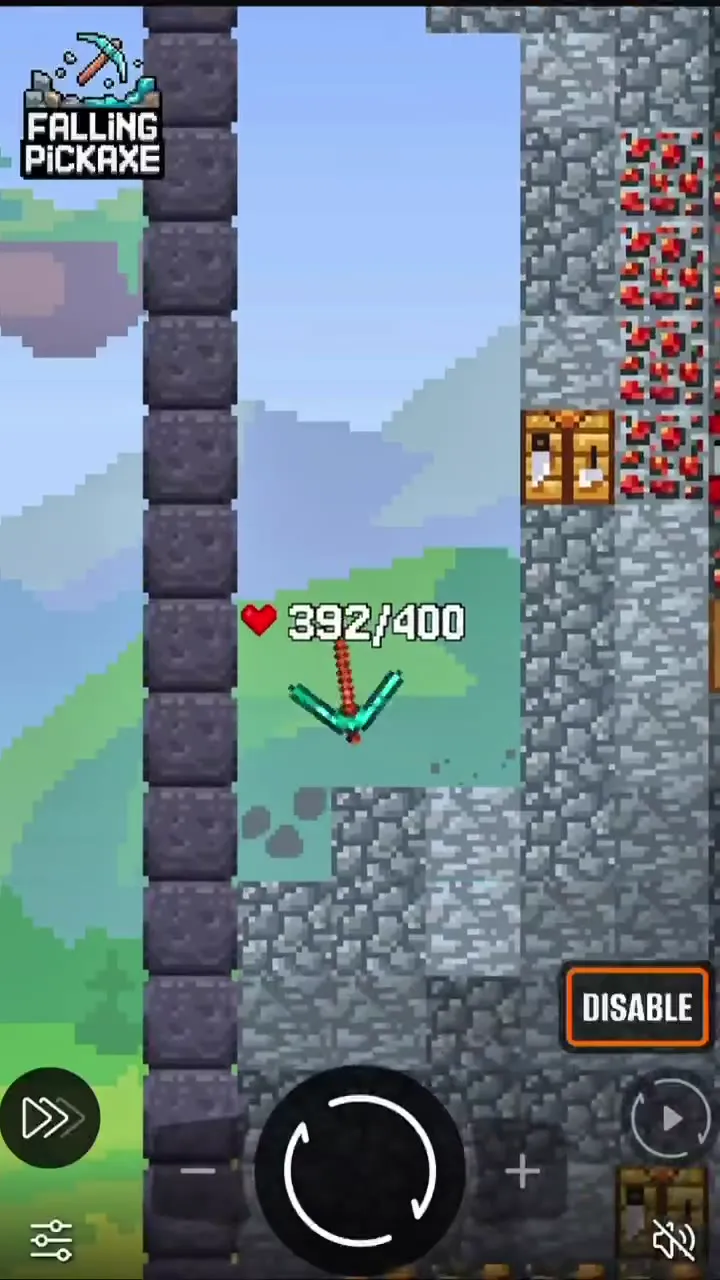
The game is designed for a vertical screen: the mine fills the height, and the bet and spin buttons sit at the bottom under your thumb.
Why you shouldn’t download a Falling Pickaxe APK from unknown sites
Search results include APK files on third-party sites. Pixmove has no such file, so these are builds of unknown origin. They can:
- contain malware that steals card details and passwords;
- show a fake game whose results have nothing to do with the 95% RTP;
- ask for access to your SMS and contacts, which the game doesn’t need.
If a casino has its own mobile app, download it only from the link on that casino’s official site.
Mobile vs desktop: any difference?
| Phone | Desktop | |
|---|---|---|
| Rules and payouts | Same | Same |
| RTP | 95% | 95% |
| Screen format | Vertical | Horizontal |
| Buttons | Bottom of the screen | Right side and bottom |
| Installation | Not needed | Not needed |
If the game lags on your phone
- Close extra tabs and apps.
- Update your browser to the latest version.
- Switch from mobile data to Wi-Fi, or the other way round.
- Turn on turbo: the animation gets shorter and the round result stays the same.
Before playing for money, try demo mode on your phone to check how comfortable the screen is and whether the connection holds. The rules and buttons are on the how to play page, and the full Falling Pickaxe review is on the home page.
Falling Pickaxe download: questions
Is there an official Falling Pickaxe app?
No. Pixmove releases the game for the browser. You launch it on a casino site on desktop or mobile.
Can I download a Falling Pickaxe APK?
There is no official APK of the game. Files called Falling Pickaxe on third-party sites may be fakes or malware. If a casino has its own app, download it only from that casino’s official site.
Does Falling Pickaxe work on iPhone?
Yes, in Safari or any other browser. You can add the game to your home screen as a shortcut.
Do I need a powerful phone?
No. The pixel graphics are light. An up-to-date browser and a stable connection are enough.
Can I play Falling Pickaxe offline?
No. Every round is calculated on the server, so the game needs an internet connection.